Most difficult trail to TossCost Knob
TossCost
A native iPhone app that reads grocery receipts with Claude vision and shows what the food you throw away actually costs.
- Role
- Solo: product, design, iOS, backend, launch
- When
- June to August 2026
- Status
- Live on the App Store (1.0 on Aug 12, 2026)
<7 wks
first commit to App Store release
0
receipt photos kept after parsing
4 / 30
monthly scans, free / Pro, enforced server-side
387
commits in the first eight weeks
Architecture
iPhone
- SwiftUI + Core Data
- Private iCloud sync
- StoreKit subscriptions
Worker
- App token + image size guard
- Durable Object daily spend cap
- Kill switch + scan meter
Model
- Claude vision
- Structured output, no OCR step
Back on device
- Review screen (the safety net)
- Insights + weekly reminder
The idea
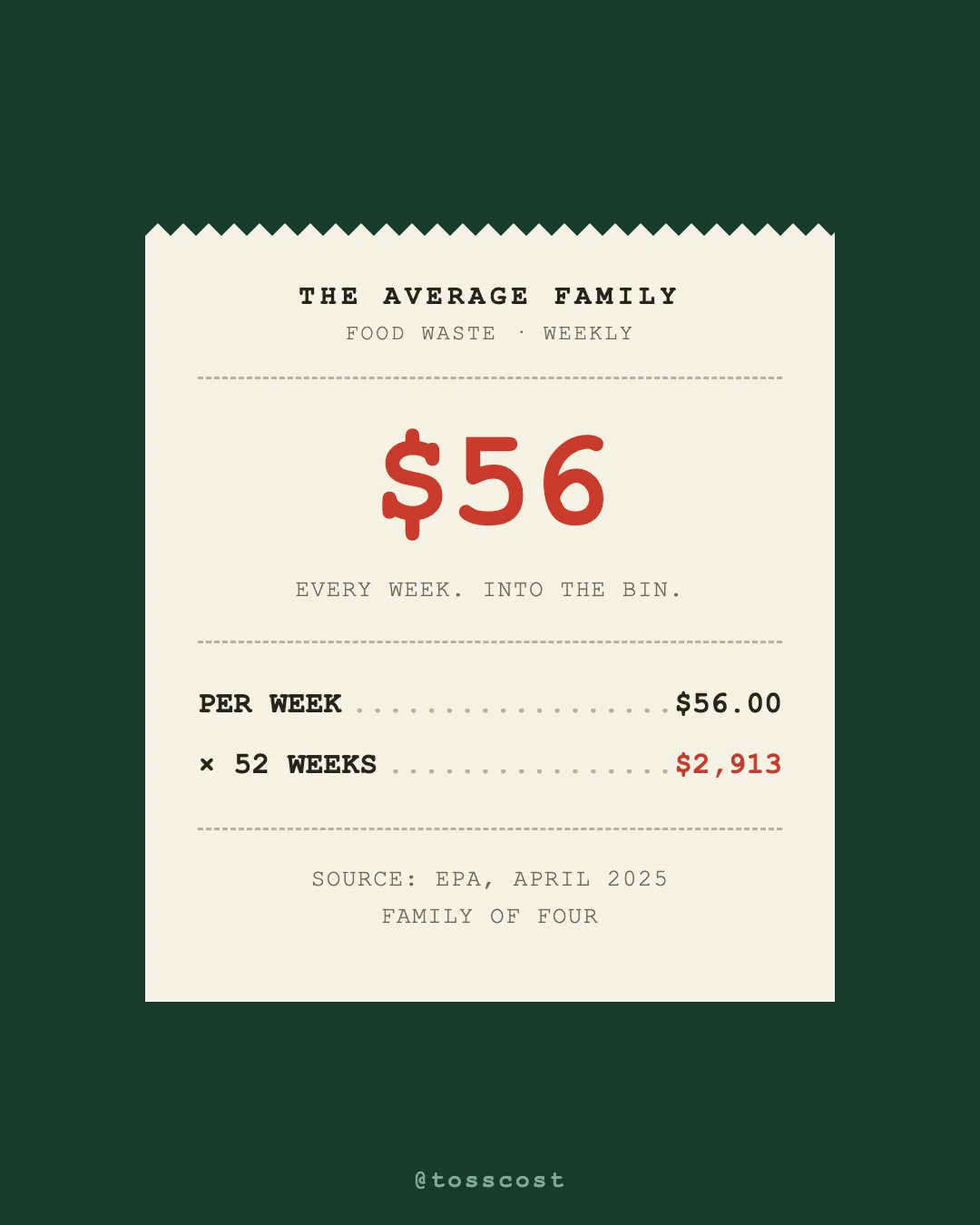
The average family of four throws out about $56 of food a week, according to the EPA. Pantry apps try to fix that and fail, because nobody types in their groceries. TossCost starts from the one thing everyone already has: the receipt.
The loop
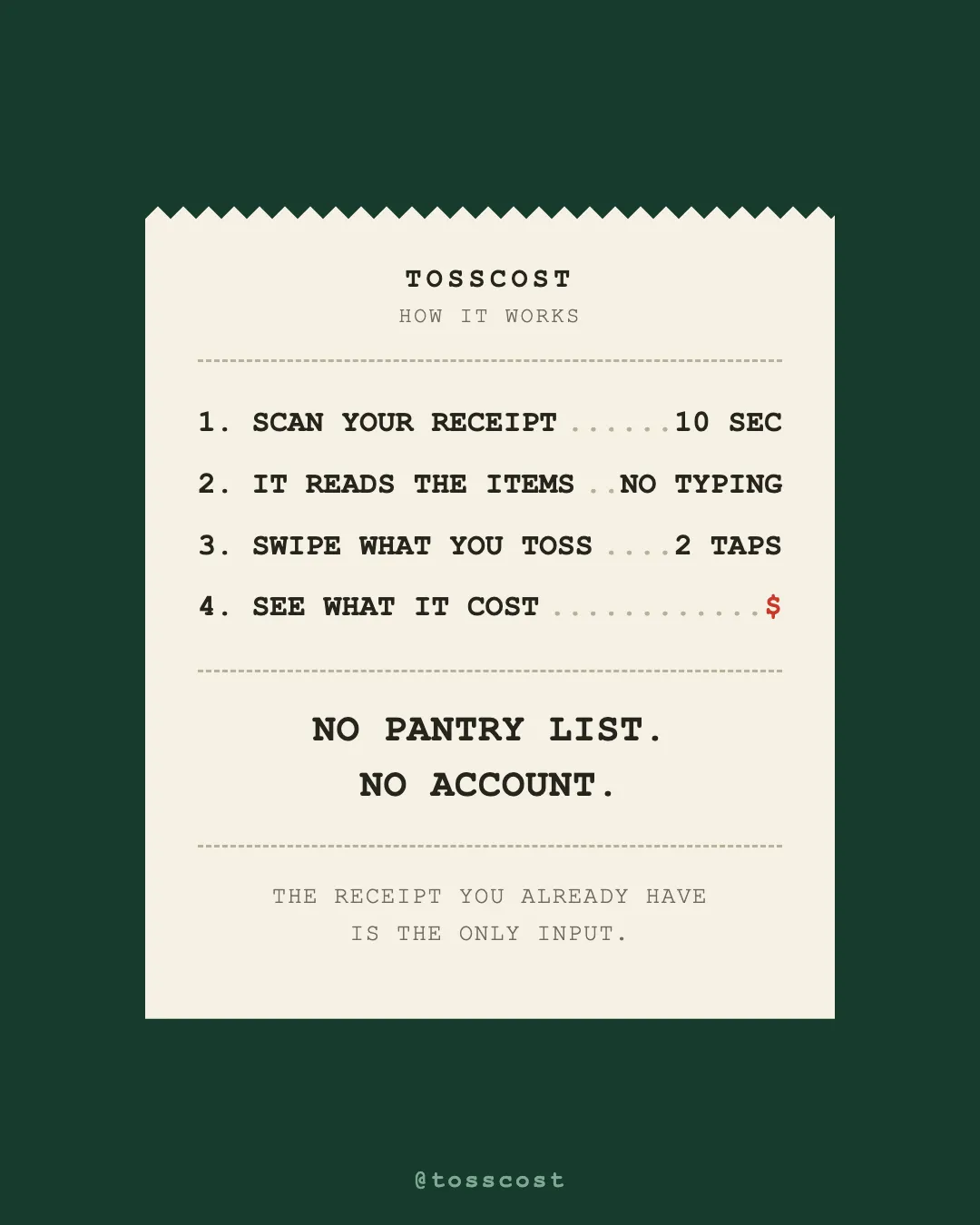
- Scan a receipt with the camera, from photos, or as a PDF.
- Review the parsed items. Fix names and prices, and mark food vs non-food. No parse is perfect, so the review screen is the safety net.
- Skip what you ate. Items default to eaten, so you only log the exceptions.
- Mark what you tossed, with a reason and how much. Money lost is price times the share you threw out.
- See the money wasted by week, month, and year, your most-wasted items, and a tip when a pattern repeats. A weekly reminder brings you back.
How it works
The app is SwiftUI with Core Data, synced through the user’s own private iCloud. There are no accounts and no user data on my servers.
When you scan, the photo goes to a Cloudflare Worker that calls Claude with a structured-output schema. The model reads the 2D layout of the receipt directly. There’s no OCR step and no text reconstruction. The photo is used to read the items and then discarded.
Cost controls
An app that calls an LLM on every scan can run up a bill fast, so the Worker enforces:
- A kill switch
- A global daily spend cap held in a Durable Object
- App-token auth and an image size guard
- A per-user monthly scan meter, enforced on the server: 4 scans a month free, 30 on Pro through StoreKit
Telemetry is anonymous events only (app_open, scan_completed, discard_logged) into Analytics Engine. Receipt contents never go into telemetry.
Shipping
First commit on June 27. Version 1.0 passed App Store review and went live on August 12, 2026, with 1.0.1 two days later. 387 commits in the first eight weeks.
What I learned
Shipping was the easy part. Getting people to come back every week is the real product problem, and it’s what I’m working on now. The weekly reminder and in-app review tab were the first answer. Measuring whether they work is the next one.